
Help centerReportsCreating a shareable report
Creating a shareable report
A report is a live web page you can send to anyone: a partner, a landlord, a franchisee, head office. It needs no login, it updates itself for rolling periods, and it expires when you say. There's no PDF to build and no spreadsheet to email.
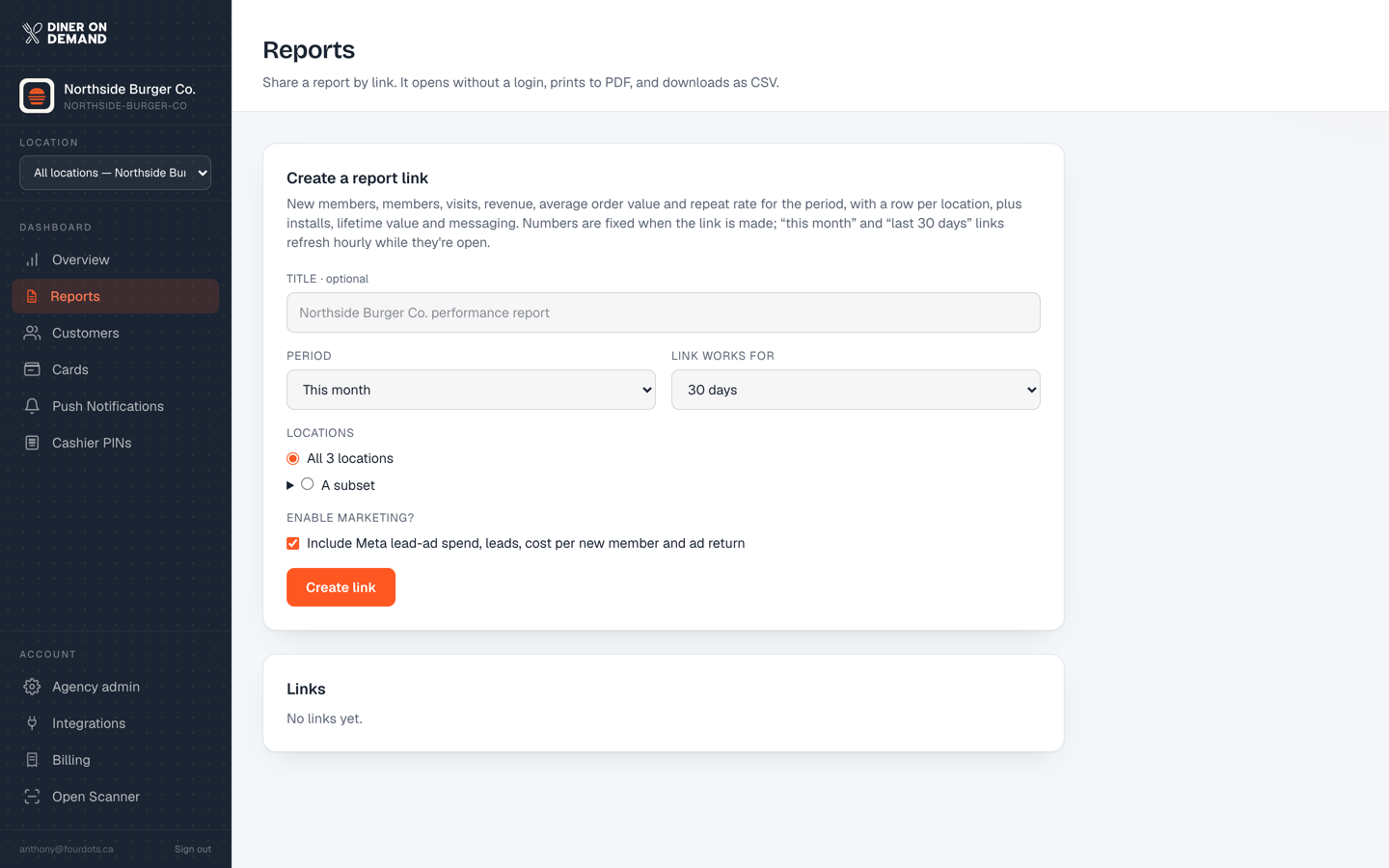
Create a link
- Go to Reports.
- Title. Defaults to "Your business performance report". Change it if the report is for a specific audience.
- Period. This month, last 7, 30 or 90 days, year to date, all time, or Custom with a start and end date. Rolling periods refresh every hour; fixed ranges stay fixed.
- Link works for. How long the link stays live: 7, 30 or 90 days. After that it shows a polite "this report has expired" page.
- Locations. All locations, or a subset. See Reports by location.
- Compare with the previous period? On by default: every figure shows its change against the period of the same length just before. Untick it for a first month, a one-off event, or a reader who only wants the numbers.
- Enable marketing? Tick it to include Meta ad spend, cost per new member (CAC) and lifetime value per acquisition dollar. Leave it off for an audience that doesn't need to see your ad budget.
- Click Create link.
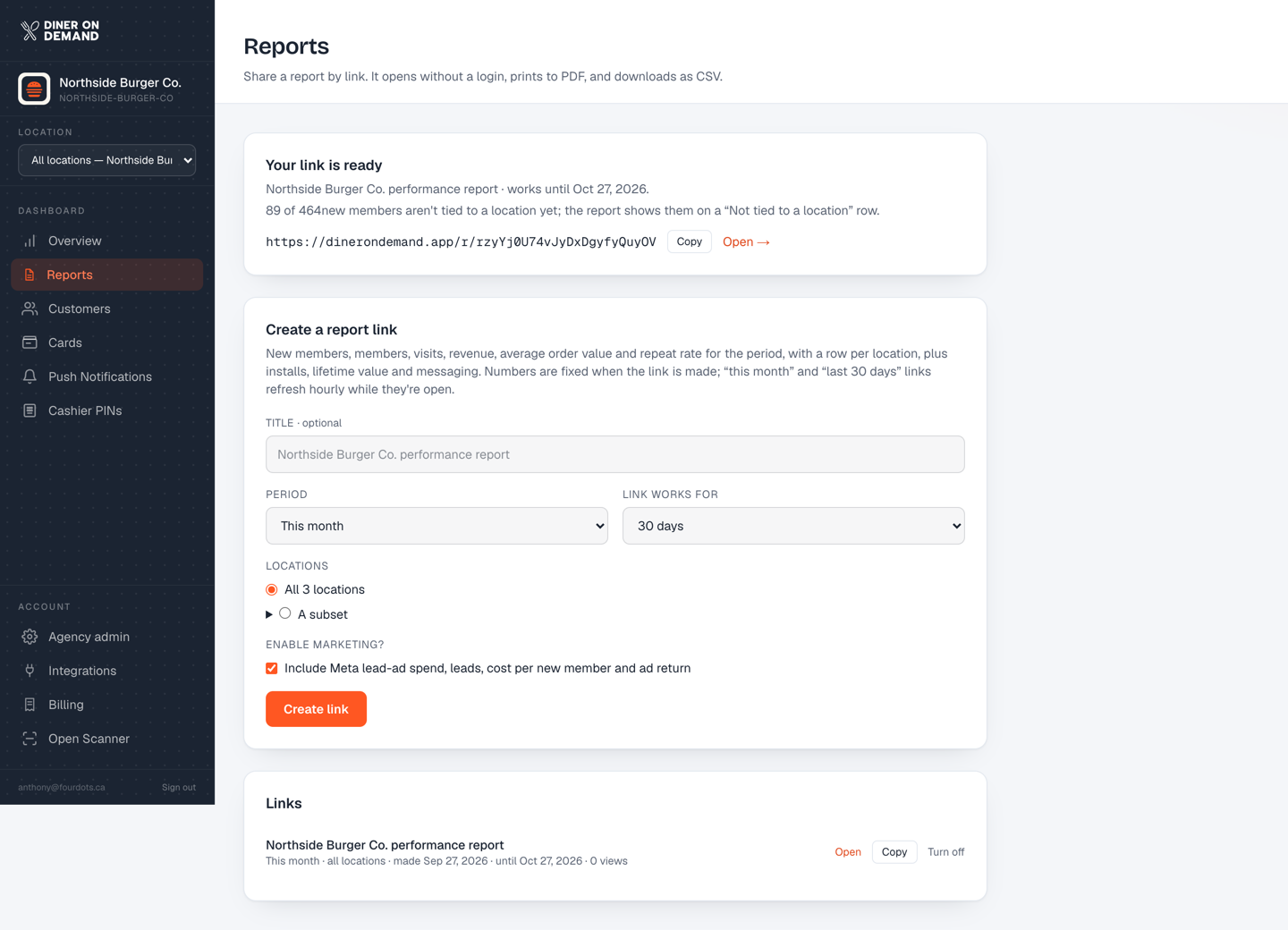
Your link appears at the top with Open and Copy buttons.
Managing links
The Links list at the bottom shows every report you've created, its period, when it expires, and how many times it has been opened. Turn off a link at any time and it stops working immediately.
Still stuck? Email support@dinerondemand.com.