
Help centerIntegrationsTracking pixels
Tracking pixels
Put your Meta Pixel and Google Analytics on every card's signup page, so a signup shows up as a conversion in your ad accounts.
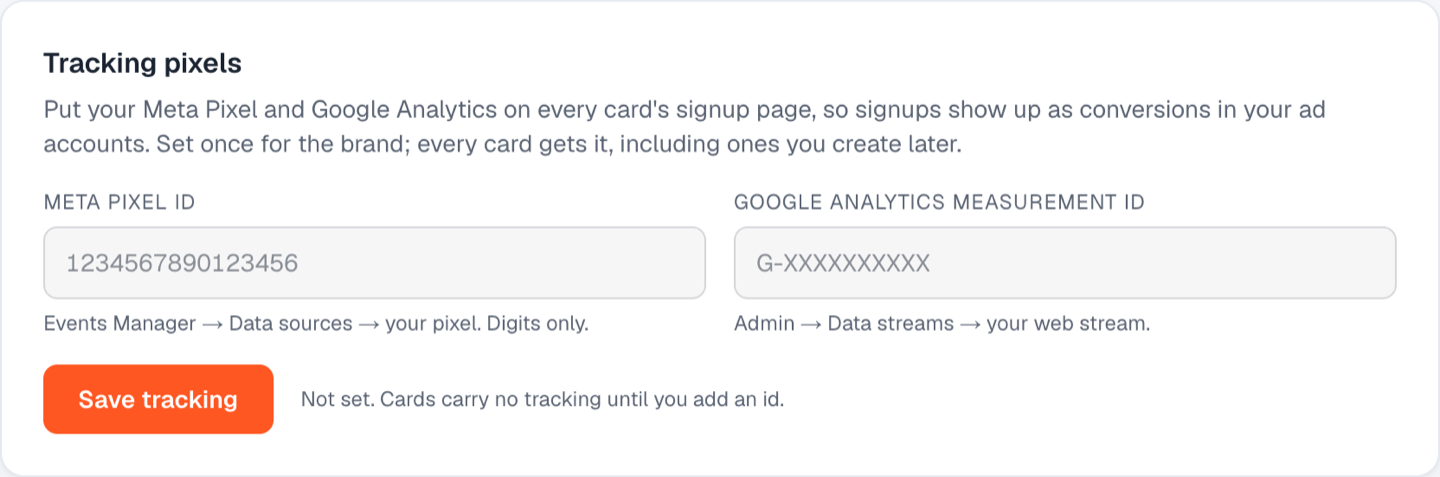
- Go to Integrations and find Tracking pixels.
- Meta Pixel ID. From Events Manager, Data sources, your pixel. Digits only.
- Google Analytics measurement ID. From GA Admin, Data streams, your web stream. It looks like G-XXXXXXXXXX.
- Click Save tracking.
Both ids are saved for the brand and applied to every card, including cards you create later. Clear both fields and save to remove them from every card.
Still stuck? Email support@dinerondemand.com.