
Help centerCardsLinking a coupon to a loyalty card
Linking a coupon to a loyalty card
A coupon brings a guest in once. A linked card gives them a reason to keep coming back. When a coupon is redeemed at the scanner, the guest's pass converts into the stamp or points card you chose, in the same wallet slot, with no second signup.
How to link
- Open the coupon in the wizard (step 2) or in the editor.
- Under Linked card (after redemption), pick your stamp or points card.
- Save.
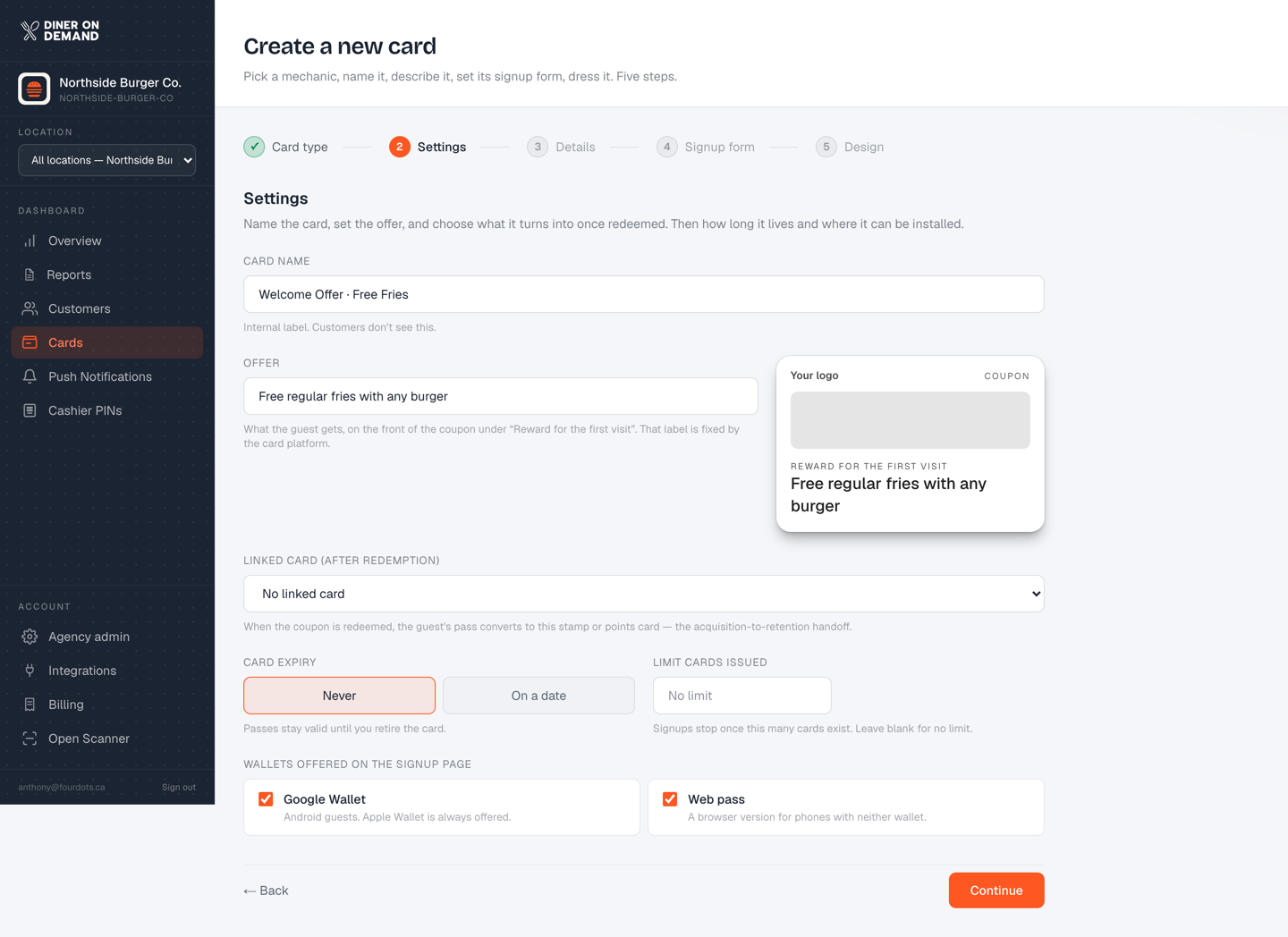
Only stamp and points cards can be linked. Coupons can't link to other coupons.
What the guest sees
They redeem "free fries" at the counter. A moment later their wallet pass refreshes into the stamp card, with their first stamp already on it if the visit was scanned. Nothing to download, nothing to sign up for again.
Why it matters
Campaign performance on your Overview tells the story: the coupon issues hundreds of cards and produces a modest amount of revenue; the stamp card those guests moved onto produces most of the revenue that follows. The link is where acquisition becomes retention.
Still stuck? Email support@dinerondemand.com.