
Help centerMulti-location settingsLocations and the location switcher
Locations and the location switcher
A multi-location brand has one brand account and one location under it for each store. Cards, push notifications, integrations and billing belong to the brand. Visits, members and cashier PINs are credited to locations.
Two kinds of login
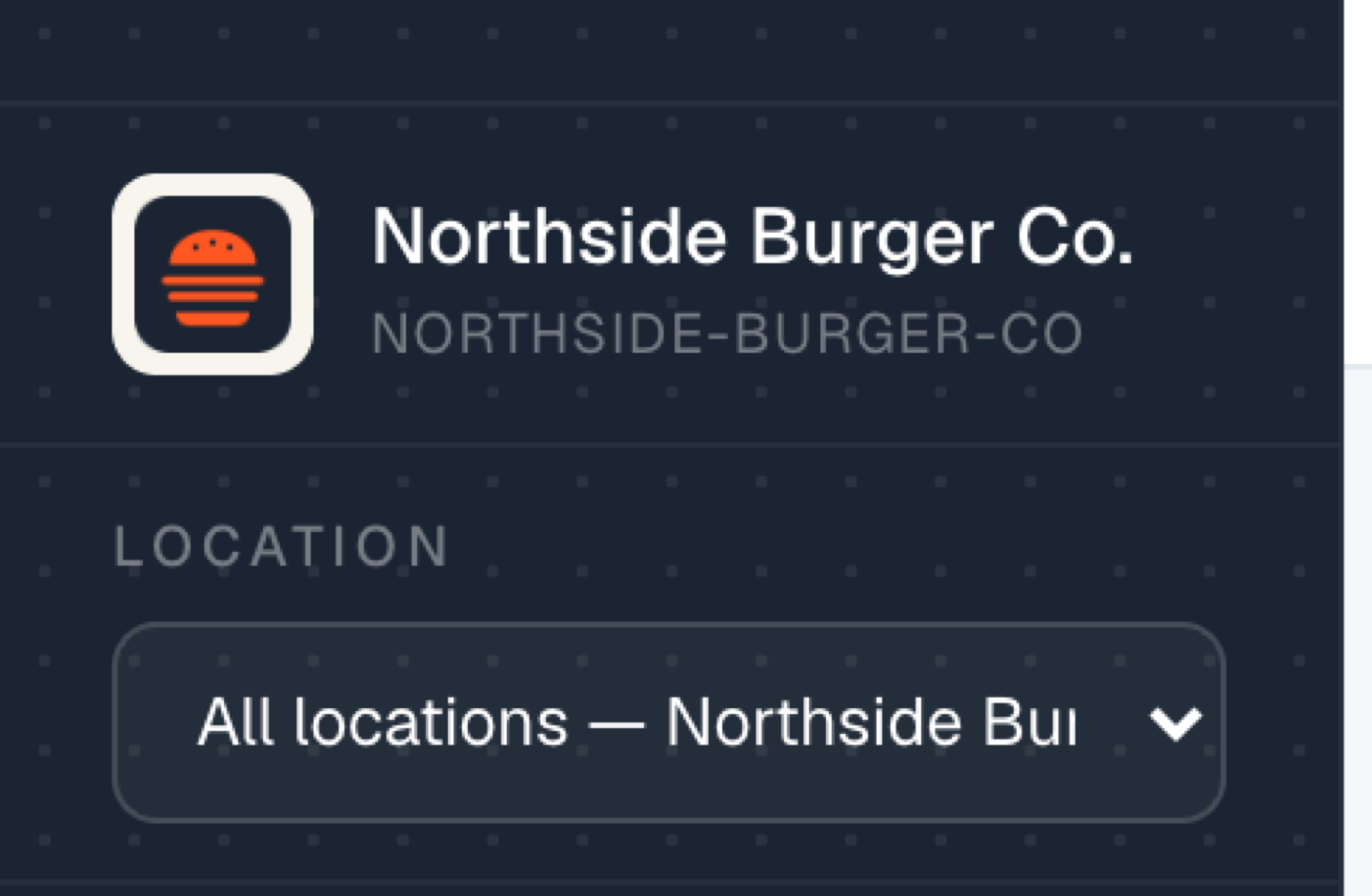
- Brand login. Sees every location. The Location dropdown under the business name switches between the whole brand and any single store. Overview, Customers and Reports follow the choice.
- Location login. A manager's login for one store. It opens on that location and can't see the others. Cards, Push, Integrations and Billing show a note that they're set at brand level.
What a location view shows
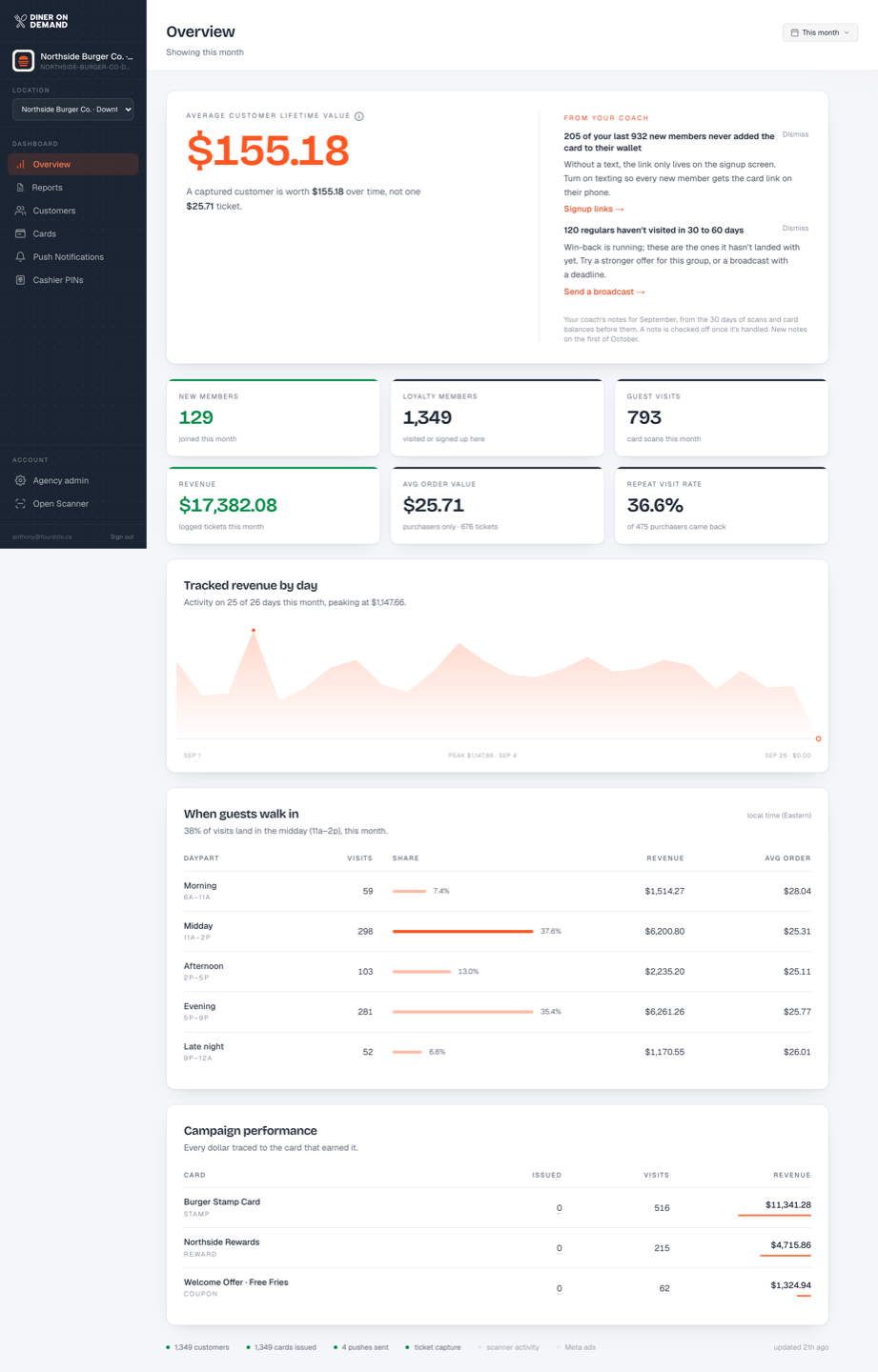
The same Overview, filtered: lifetime value, new members, visits, revenue and repeat rate for guests attributed to that store, and the coach's notes for it.
How a member is tied to a location
- They signed up on the location's own signup page.
- They came from a Meta lead form mapped to the location.
- They came from an intake source that belongs to the location.
- Their first scan was on that location's cashier PIN.
Members with none of these belong to the brand and show under "Not tied to a location" in reports. See Reports by location.
Still stuck? Email support@dinerondemand.com.