
Help centerMulti-location settingsSignup pages by location
Signup pages by location
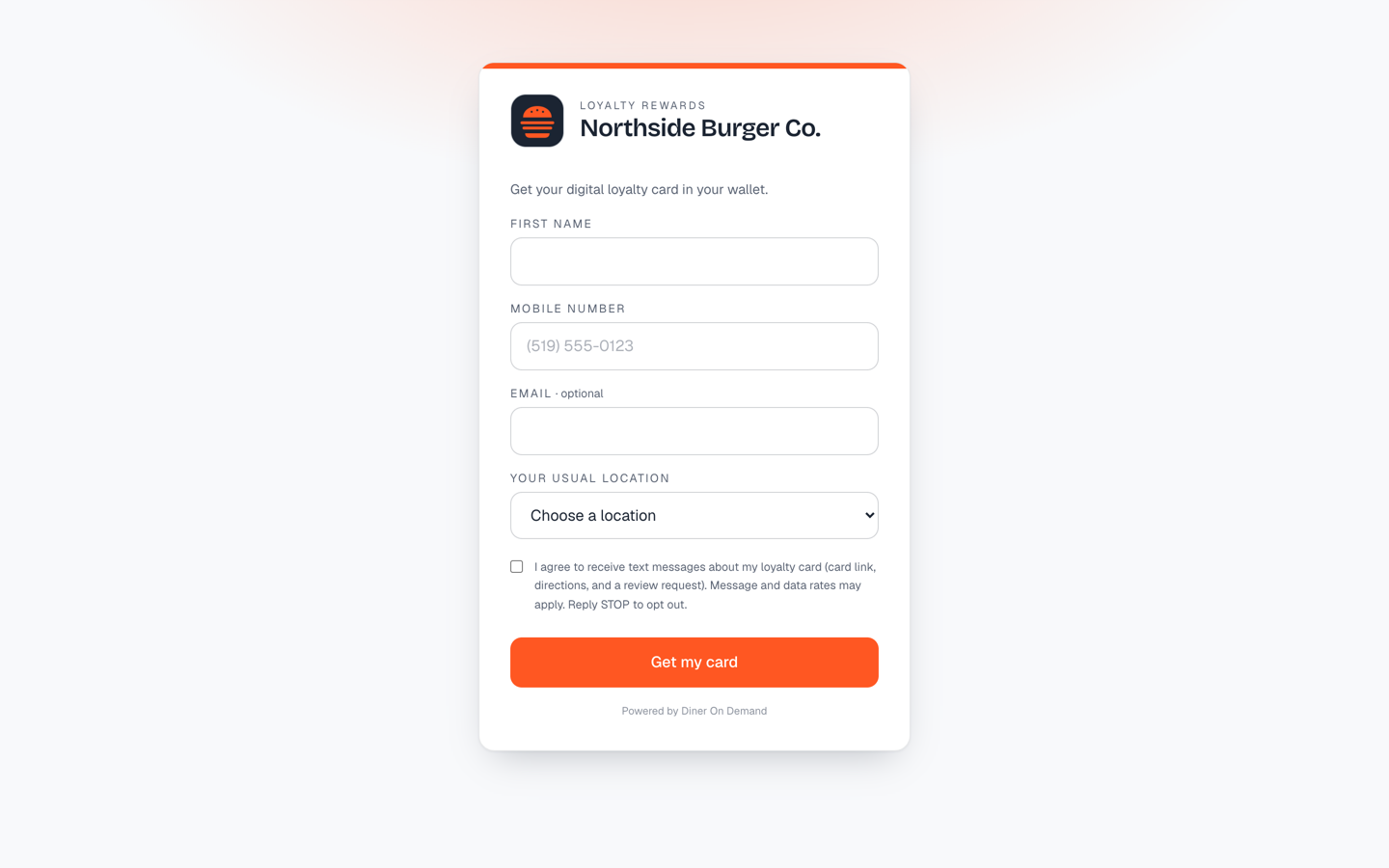
Every brand has a signup page at dinerondemand.app/join/your-brand. Every location has its own at dinerondemand.app/join/your-brand-location. They look the same; the difference is attribution.
Which link to use where
| Link | Use it |
|---|---|
| Location page | On the QR code at that store's counter, on its Google Business Profile, on its own social posts. Every signup is tied to the store. |
| Brand page | In brand-wide ads, the main website, the newsletter. Guests choose their location from a dropdown; if they skip it, they belong to the brand until their first scan. |
With your own signup domain, both move with it: the brand page answers at your address, and each location's page at your address followed by /join/ and the location's name. See Your own domain for signup pages.
Directions
A guest who joins on a location page gets directions to that store when they install the card. A guest who joins on the brand page without choosing a location gets a link to your locations page instead. See How card delivery texts work.
Still stuck? Email support@dinerondemand.com.