
Help centerScanner and cashier PINsHow the scanner works
How the scanner works
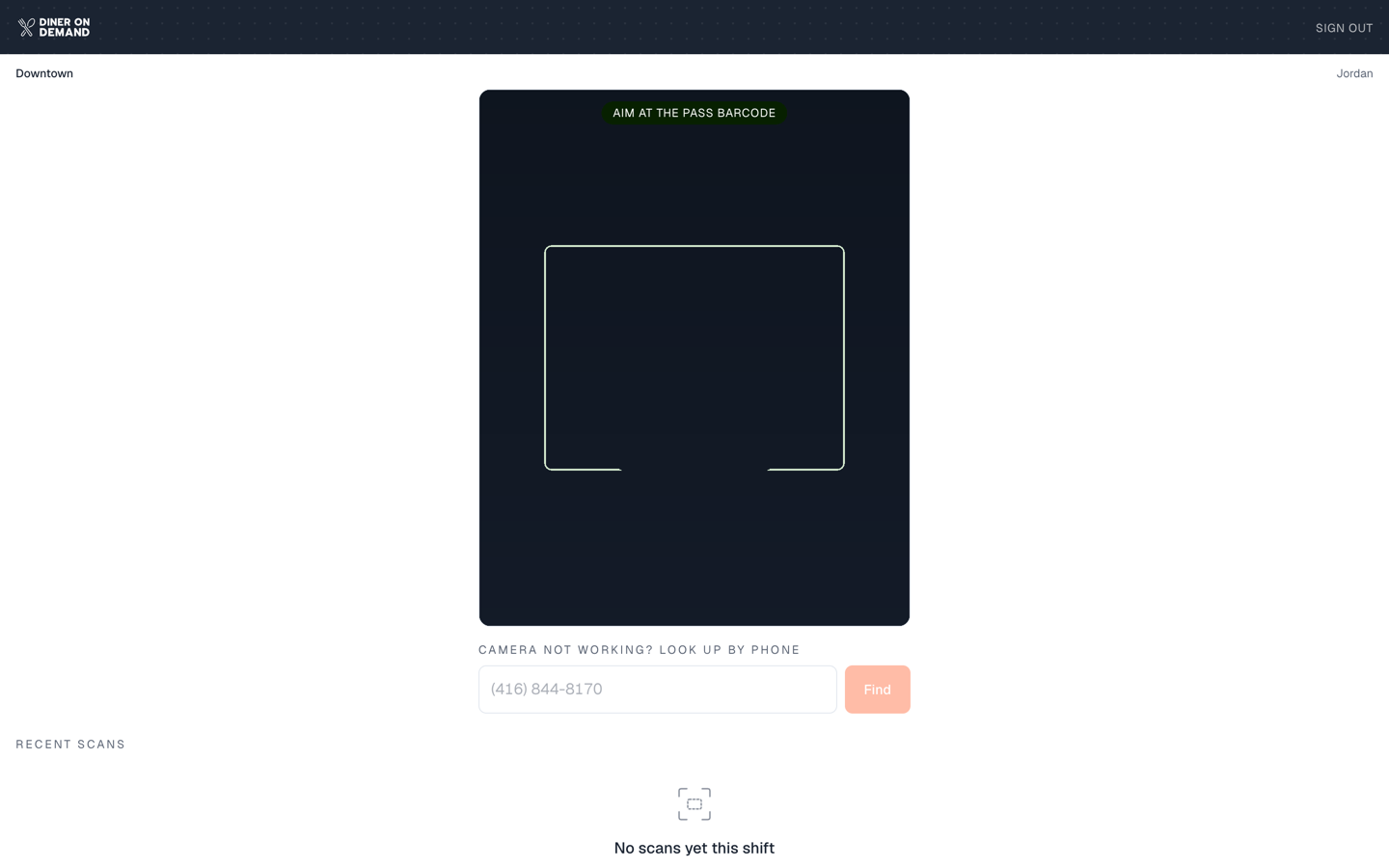
The scanner is a web page, not an app. It runs on any phone or tablet with a camera at dinerondemand.app/scanner. Staff sign in with a six-character cashier PIN, scan the guest's card, enter the ticket amount, and tap once to add a stamp, add points or redeem.
The flow at the counter
- Start a shift. Enter the PIN for this counter. The scanner remembers it until someone signs out. See Starting a shift.
- Scan the card. Point the camera at the barcode on the guest's wallet pass. No card handy? Type their phone number instead.
- Enter the ticket amount. The bill for this visit. This is what turns a scan into revenue on your dashboard.
- Act. Add a stamp, log the purchase for points, or redeem a reward or coupon. The pass in the guest's wallet updates within seconds.
See Scanning a card and logging a ticket.
What makes it different from the old scanner app
- Nothing to install. Open the link, sign in with a PIN, start scanning. Works on the counter tablet, a manager's phone, or a spare iPad.
- PINs, not accounts. Staff never need a login. Each PIN belongs to a location, so every scan is credited to the right store automatically. See Cashier PINs by location.
- The ticket amount is part of the flow, not an afterthought. It's what powers average order value and lifetime value.
- Recent scans show on the home screen so a cashier can confirm the last few were logged.
- Your brand at the counter. Switch on white label and the scanner shows your logo and colour instead of Diner On Demand's once a cashier signs in. See Your logo and colour.
Still stuck? Email support@dinerondemand.com.